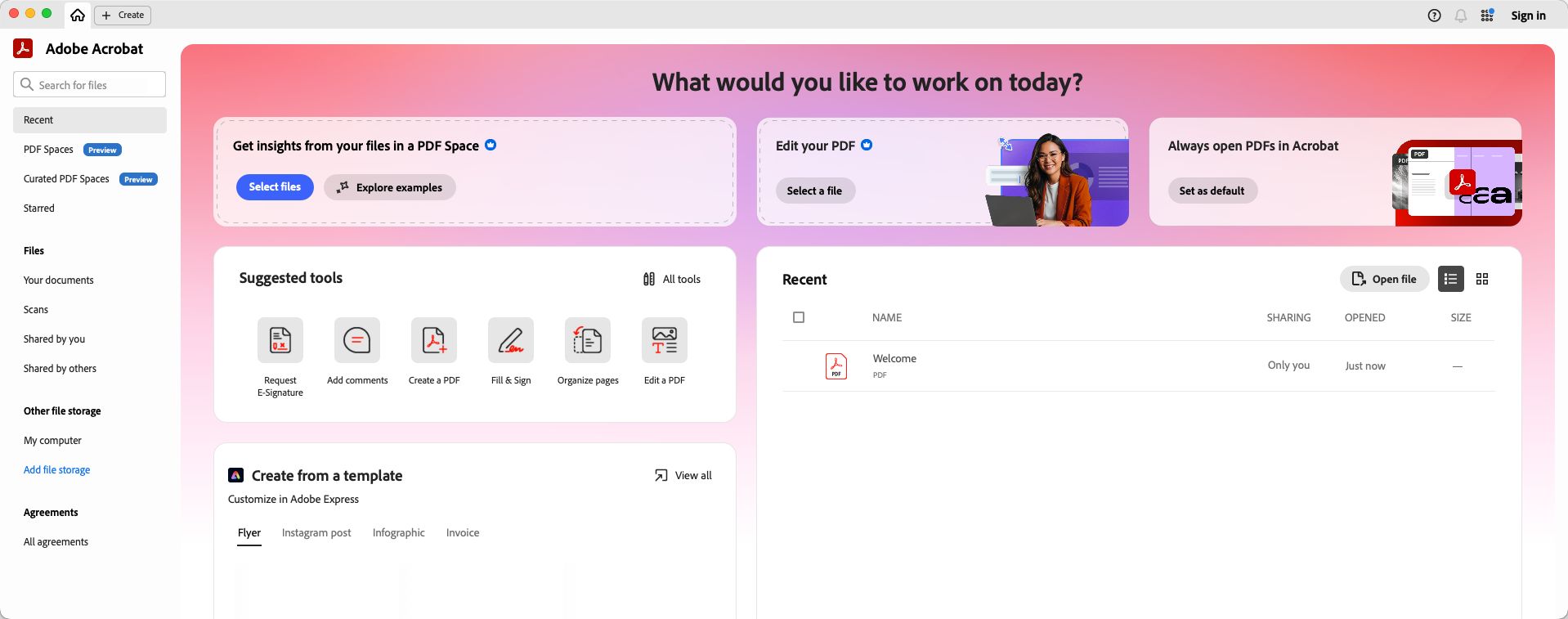
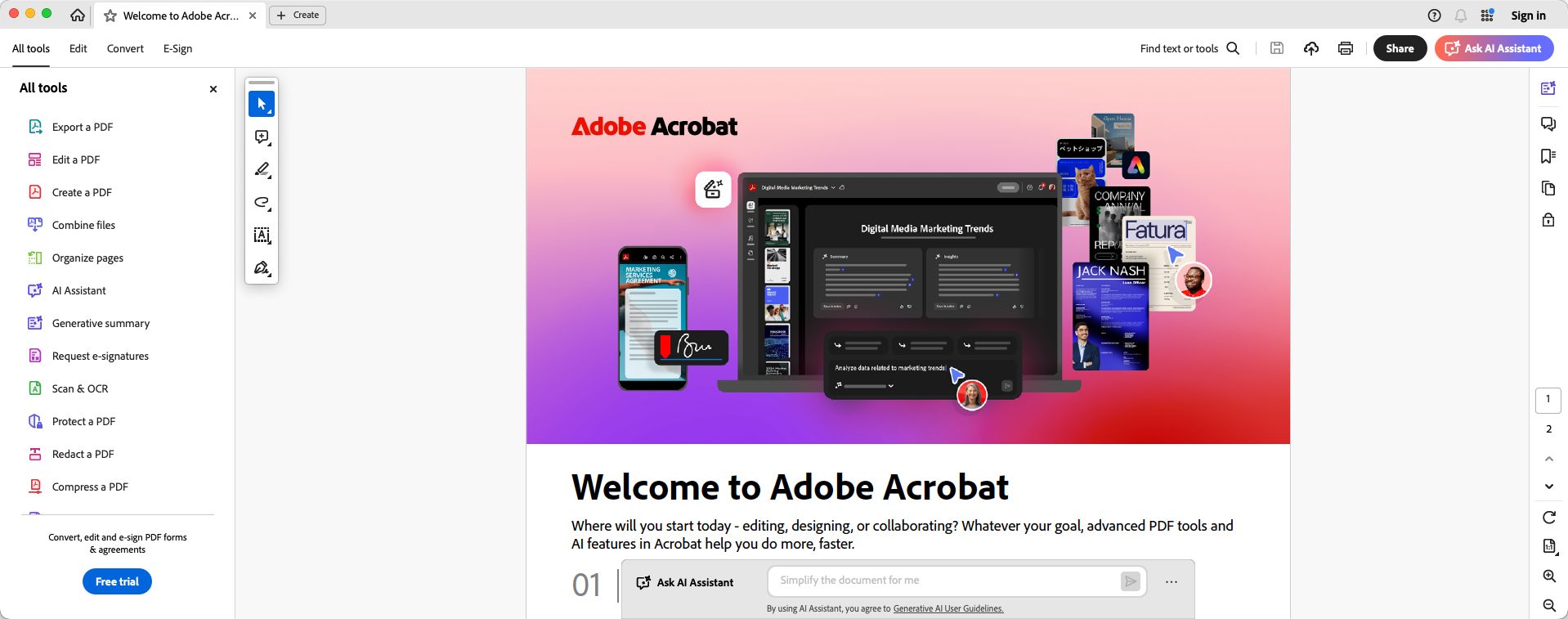
Adobe Acrobat has been one of the most popular PDF applications in the world for decades. Adobe initially launched the format and software in 1993 for both Macintosh and Windows. It is now available on Mac as both a free option (Acrobat Reader) and a fully featured paid application (Acrobat Pro) for users who require advanced workflows.
For professionals whose day-to-day lives revolve around managing PDFs, Acrobat remains the industry benchmark.
PDF editing and document tools
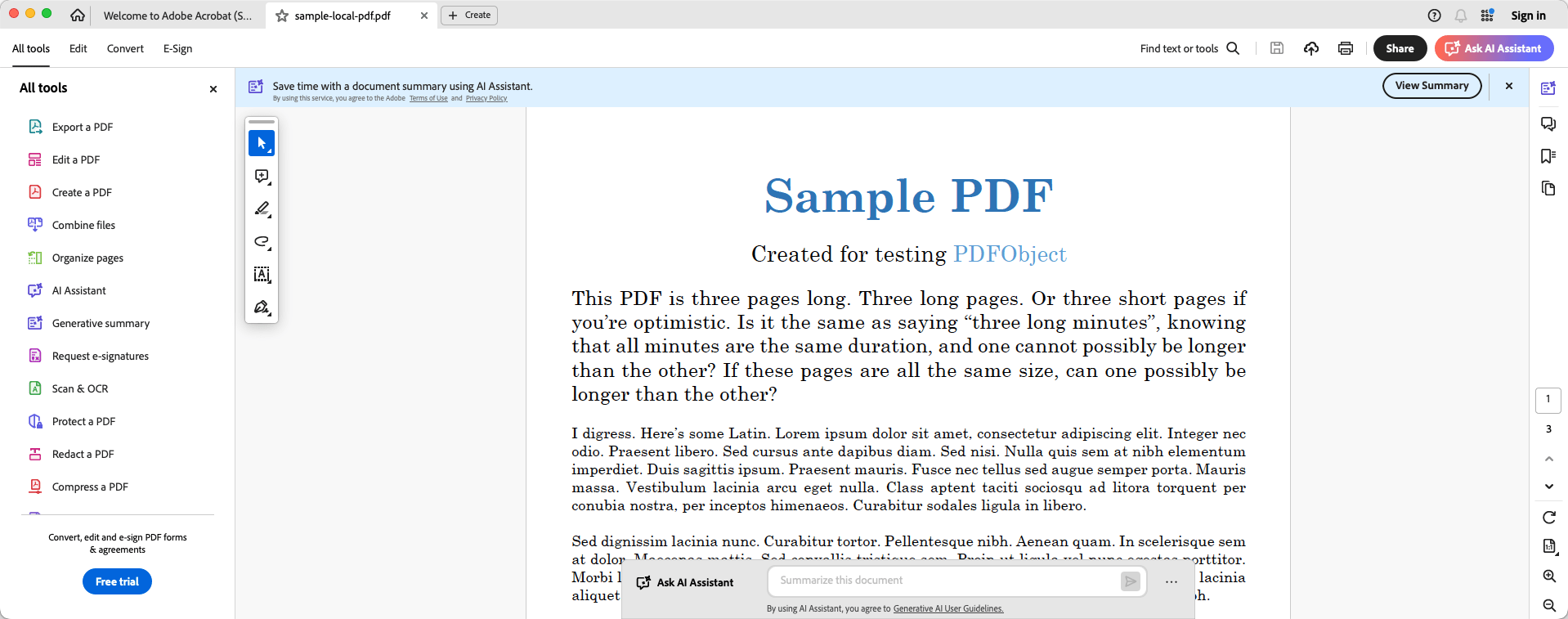
Adobe Acrobat Pro is one of the most capable tools available for PDF editing on Mac. You can edit text directly within the application as naturally as you would in a word processor, with the application maintaining and restructuring the original font and formatting. This capability depends on the source file; scanned documents with unreadable text require the built-in Optical Character Recognition (OCR) engine to become editable.
Images can also be repositioned, replaced, or resized within the document. Pages can be quickly reordered, deleted, rotated, or extracted. Moving beyond basic editing, there are further tools for redaction, Bates numbering, comparison, and accessibility checking. These are essential features for professionals dealing with legal, compliance, or finance sectors.Forms, e-signatures, and AI integration
Adobe Acrobat brings with it extensive functionality for forms and e-signatures. This enables easy distribution, tracking, and returning of critical digital paperwork like contracts and compliance documents.
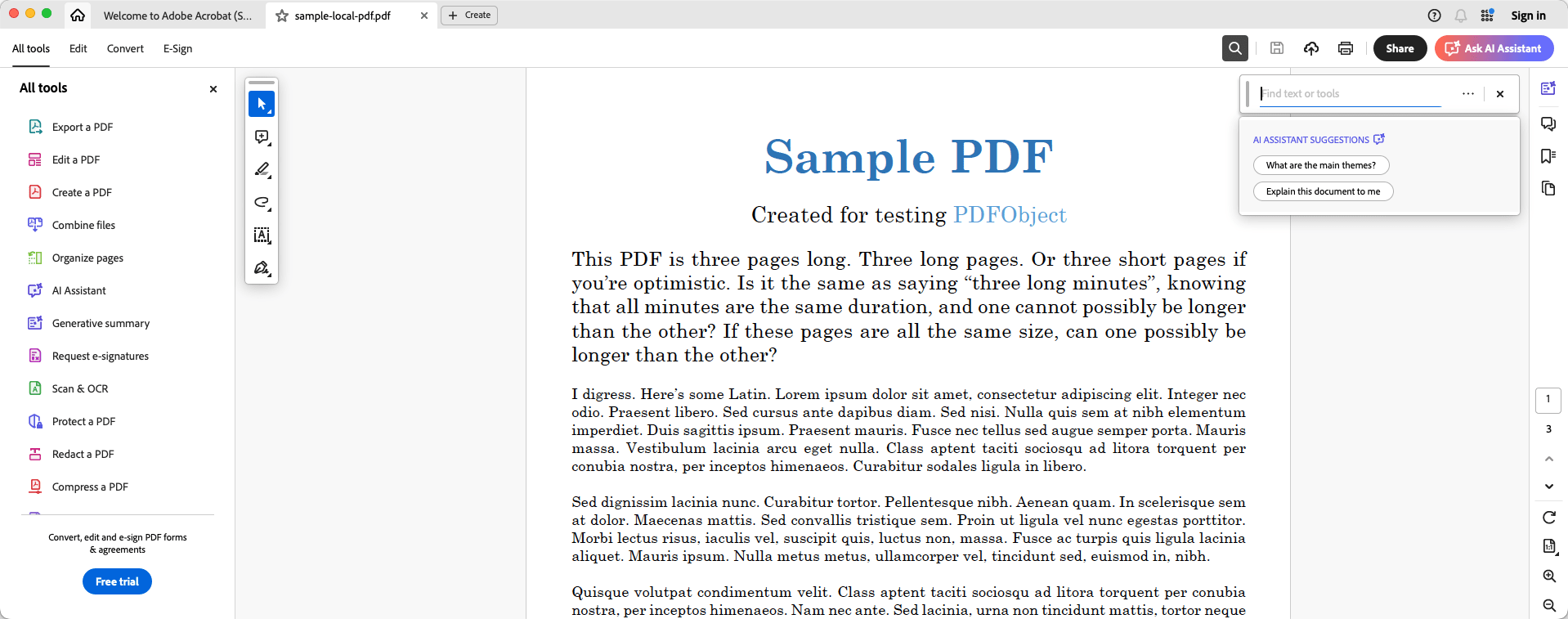
The signatories for the forms and documents do not need an Adobe account, which adds significant convenience, while collaboration tools allow multiple reviewers to check the document, track changes, and leave comments. Recent updates have also introduced the Acrobat AI Assistant, which allows users to generate document summaries and ask interactive questions to quickly extract information from long PDFs.Mac integration and cloud connectivity
For any app, the most important thing on Mac is how well it integrates with the OS. Adobe Acrobat does that quite well by supporting features like iCloud Drive access, macOS Quick Look, and running natively on Apple Silicon for maximum performance. Document sync is handled smoothly via Adobe Document Cloud, ensuring your files are accessible across your Mac, iPhone, and iPad.Pricing and availability
Adobe Acrobat Pro primarily comes with a monthly or yearly subscription cost and is usually on the more expensive side compared to alternative tools. You cannot buy it as a one-time purchase, which does sting a bit for most users. Free alternatives exist, and if you are not looking to spend money, the basic Acrobat Reader or Apple's built-in Preview app make much more sense.The most complete PDF tool available for professionals
Adobe Acrobat on Mac is a complete and comprehensive PDF tool from a company known for great products, with just one caveat: it carries a premium price tag. But if you are willing to make the investment, you are getting one of the best PDF editing and management tools on the market.